Key Takeaways
- A URL identifies a resource, while its scheme, hostname, path, query, and fragment components serve distinct technical or navigational purposes.
- Clear, descriptive, stable URLs help visitors understand site organization and give search engines additional context about page relationships.
- SEO-friendly URLs typically use readable words, lowercase paths, hyphens, logical hierarchies, HTTPS, and only necessary query parameters.
- URL changes can affect redirects, internal links, canonicals, and migrations, so established URLs should remain stable unless a meaningful reason exists.
A URL (Uniform Resource Locator) is the web address used to identify and access a specific resource, such as a webpage, image, PDF, or file. URL structure describes how the different parts of that address—such as the scheme, hostname, path, query parameters, and fragment—are organized.
For example, in https://shop.example.com/shoes/running-shoes?color=blue#sizes, each part has a specific purpose. A clear URL can help visitors understand where a page belongs, help browsers locate the requested resource, and give search engines additional context about a site’s organization. Google recommends creating URLs that are simple, descriptive, and easy for people to understand.
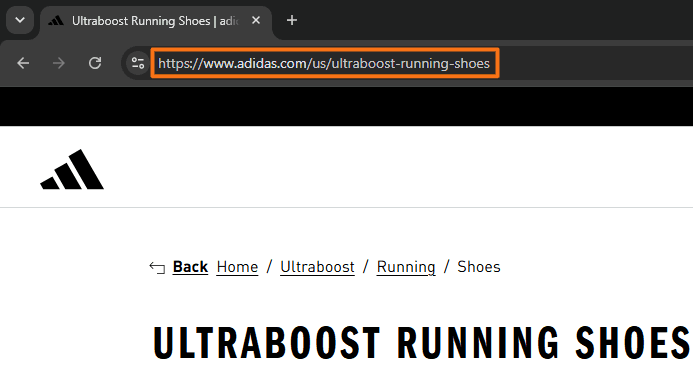
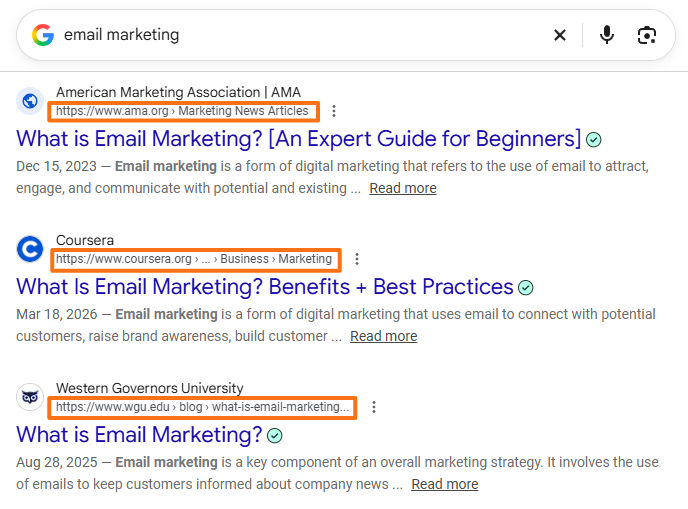
URLs can appear in a browser’s address bar, inside links on webpages, emails, and documents, and as the destination shown when hovering over a link in many desktop browsers. Google may use words from URLs when generating breadcrumb-style information for desktop search results. On mobile search results, Google now displays the domain without the breadcrumb trail.
Components of a URL Structure
A standard web URL can contain several components, although not every URL includes all of them. The example below can be used to see how they fit together:
https://shop.example.com:443/shoes/running-shoes?color=blue#sizes
Scheme
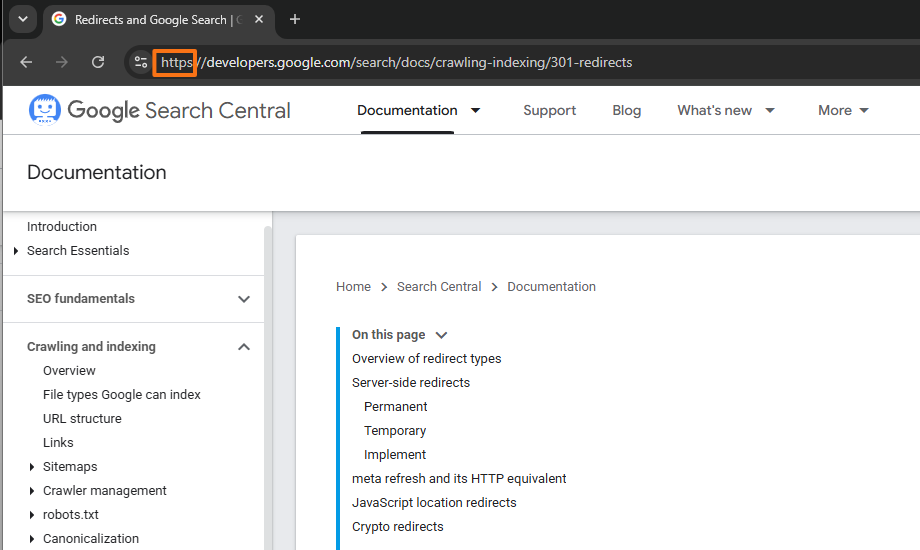
The scheme specifies the URL scheme being used. For ordinary webpages, this is typically http or https. In the example above, the scheme is https.
HTTPS uses encrypted communication between the browser and web server.
Hostname
The hostname identifies the host responsible for the resource. In shop.example.com, the hostname can be divided into several recognizable parts.
- Subdomain:
shopis an optional prefix used to separate a section or service from the main domain. - Second-Level Domain:
exampleis the distinctive registered name immediately before the top-level domain in this example. - Top-Level Domain (TLD):
.comis the domain extension. Other examples include.org,.net, and country-code TLDs such as.inor.uk.
Port
A port identifies the network service through which a connection is made. For example, :443. HTTPS normally uses port 443, while HTTP commonly uses port 80. Because these are their standard ports, they usually do not need to appear explicitly in ordinary web URLs.
Path
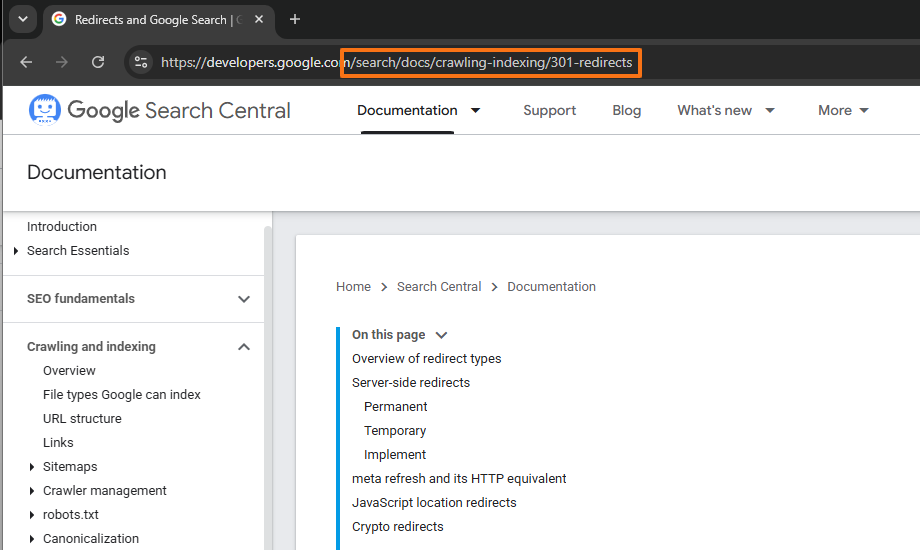
The path identifies a particular resource or location within the website’s URL hierarchy. For example: /shoes/running-shoes
A path does not necessarily represent physical folders stored on the server. Modern CMS platforms and applications can generate routes dynamically.
Subfolder
A subfolder, also called a subdirectory in common website terminology, represents an individual organizational level within a path.
For example, /blog/seo/url-structure/ contains several directory-style path levels. A subfolder is useful for describing website organization, although it is not a separate formal component in the generic URI specification.
Query Parameters
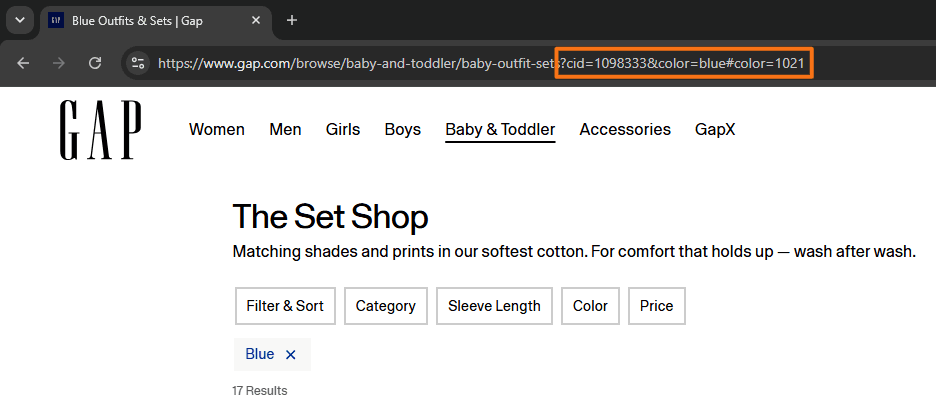
A query begins after a question mark (?) and can provide additional information to a website or application. For example, ?color=blue&size=10
Query parameters are commonly used for filters, sorting, pagination, product variants, search functions, and campaign tracking. The formal URI specification describes the query as non-hierarchical data associated with the resource.
Fragment Identifier
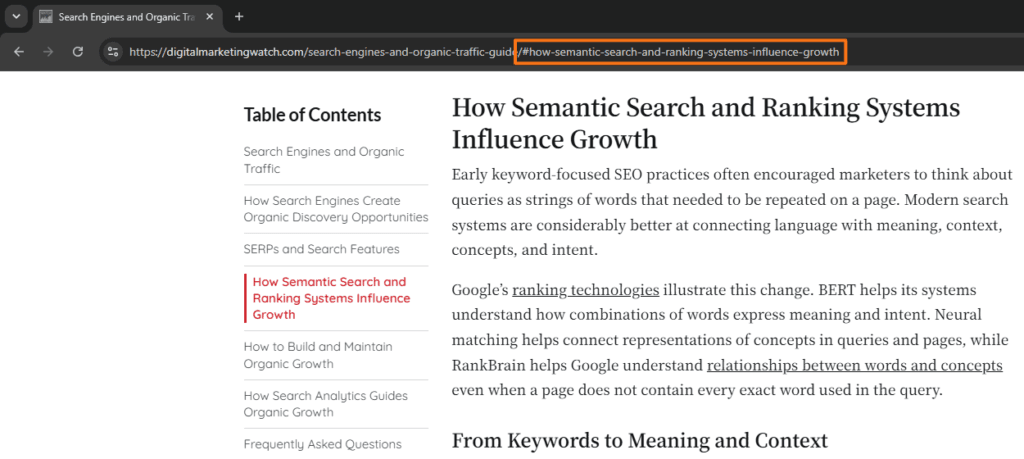
A fragment identifier begins with # and identifies a particular section or position within a resource. For example, #sizes
On a long article, a fragment such as #seo-best-practices can link directly to that section. Unlike the rest of the URL used to retrieve the resource, the fragment is not sent to the web server; the browser processes it after retrieving the page.
URL Structure Components at a Glance
A URL is made up of several components, each serving a different technical or navigational purpose. The table below summarizes the main parts of a URL, along with a simple example and the role each component plays.
The formal generic URI syntax groups addresses into scheme, authority, path, query, and fragment components.
Scheme
The scheme does not include ://. In https://example.com, the scheme is https. The colon separates the scheme from what follows, while // introduces the authority portion of the URL. This becomes clearer with schemes that do not use a web authority, such as mailto:support@example.com, tel:+1234567890, and sms:+1234567890.
Language Codes, Version Controls, Campaign Tracking, and Fragment Identifiers
URL structures can also carry information about language, software versions, campaigns, or individual sections of a page.
Language Codes: Multilingual websites often include locale information in the URL. For example, example.com/en/seo/ may contain English content while example.com/de/seo/ contains German content. Google recommends locale-specific URLs for multilingual or multiregional content and recognizes subdirectories as one valid approach.
Version Controls: Software documentation and APIs commonly identify versions in the path, such as example.com/api/v2/products/. This allows multiple versions of a resource or documentation set to remain available at distinct URLs.
Campaign Tracking: Marketing platforms commonly add query parameters to identify traffic sources. For example, example.com/guide?utm_source=newsletter&utm_medium=email can distinguish visits generated by an email campaign. These tracking variants generally represent the same underlying page rather than separate pieces of content.
Fragment Identifiers: Fragments can link directly to sections within long resources. For example, example.com/url-structure/#query-parameters can take a visitor directly to the Query Parameters section instead of only opening the top of the page.
URL Structure: SEO Best Practices
URLs should primarily be designed to remain clear, stable, and useful for visitors while giving search engines a logical structure to crawl and understand.
Make URLs Describe the Page: A URL does not need to reproduce the page title word for word. Concise descriptive terms are usually more useful than long strings of IDs. Google explicitly recommends readable words in URLs where practical.
Use Relevant Keywords Naturally: Descriptive terms can communicate the subject of a page, but keywords should not be forced into URLs repeatedly. A short path such as /technical-seo/ is clearer than one containing unnecessary repetitions.
Standardize on Lowercase: URL paths can be case-sensitive, meaning /SEO/Guide/ and /seo/guide/ may be treated as distinct addresses. Using one consistent case—usually lowercase—helps avoid accidental duplicates.
Separate Words With Hyphens: Use hyphens (-) rather than underscores (_) to separate words. Google specifically recommends hyphens because they make concepts easier for users and search engines to distinguish.
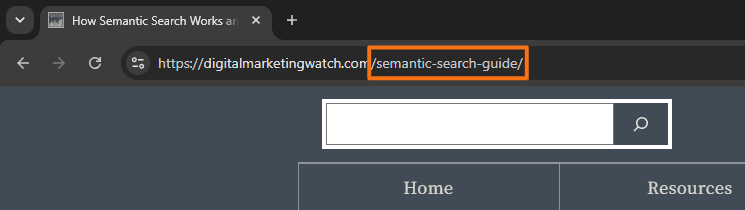
Keep URLs Concise Without Removing Words Mechanically: Words such as “and,” “the,” or “of” do not need to be removed simply because they are stop words. Remove terms that add no useful meaning, but retain them when they improve clarity.
Minimize Unnecessary Parameters: Query parameters have legitimate purposes, particularly for ecommerce filters, product variants, pagination, and tracking. However, unnecessary parameters can create many URL variations, so Google recommends using as few as practical when they do not change the content.
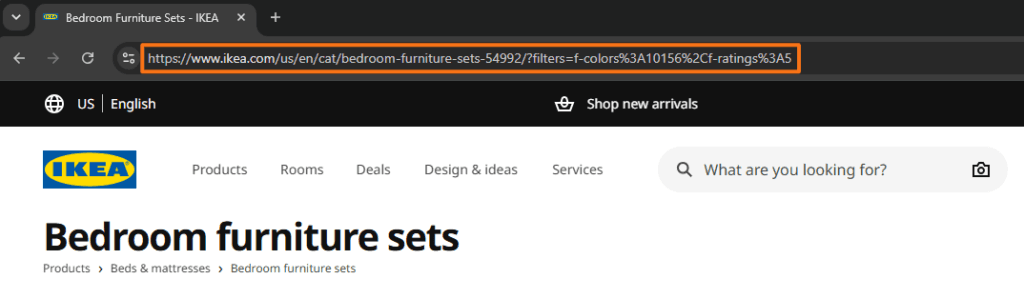
Keep the URL Hierarchy Logical: Folder levels should represent meaningful organization rather than being added unnecessarily. There is no rule that every extra folder automatically reduces ranking authority.
Avoid Unnecessary Dates in Evergreen URLs: A URL such as /best-running-shoes/ can be updated year after year without changing its address. Dates remain appropriate for genuinely date-specific content such as news, annual reports, events, or historical archives.
Use HTTPS Consistently: HTTPS protects data in transit and should be used consistently across a website. Google also suggests preferring HTTPS over equivalent HTTP URLs when choosing a canonical version.
Use URL Characters Correctly: Non-English characters are valid in URLs and can be appropriate when they match the audience’s language. Google explicitly supports localized URLs and provides guidance for correctly percent-encoding non-ASCII characters where required.
Percent-Encoding
Percent-encoding represents characters using a percent sign followed by hexadecimal values when required in a URL; for example, a space may be represented as %20.
Use Fragments for Section Navigation: Fragment identifiers work well for tables of contents, heading links, and sharing specific sections of long pages. They should not normally be used as substitutes for distinct URLs representing separately indexable pages.
Examples of Good URL Structures
Different websites require different URL patterns, but each structure should make the purpose of the resource reasonably clear. A good URL should also remain consistent with the site’s broader hierarchy so visitors and search engines can understand how pages relate to one another.
A well-planned URL structure makes a website easier to navigate, maintain, and understand while giving search engines clear, consistent signals about how content is organized. The goal is not to create a “perfect” URL, but to keep addresses descriptive, stable, and logically connected to the site’s overall structure.
Frequently Asked Questions
Does URL length affect search rankings?
Google does not document an ideal URL character count that produces higher rankings. URLs should instead be kept reasonably simple, readable, and descriptive so they remain easy to understand and manage.
Is it better to use a subdomain or a subfolder for a blog?
Google states that it has no indexing or ranking preference between subdomains and subfolders. The better choice is generally the structure that is easiest to organize and maintain for the website.
Should an existing URL structure be changed if the pages already rank well?
Usually not merely for cosmetic improvement. Changing established URLs introduces redirects, internal-link updates, canonical changes, and the possibility of migration errors, so a working URL should generally remain stable unless there is a meaningful reason to change it.
What happens if someone types a URL using capital letters?
Domain names are case-insensitive, but URL paths can be case-sensitive. A server may therefore treat /SEO/ and /seo/ as different URLs, which is why consistent lowercase paths are commonly preferred.
Can URLs be shortened?
Yes. Unnecessary path segments, words, or parameters can be removed when designing a cleaner URL. If an established URL is changed, the old URL should normally be redirected appropriately to the replacement.
Can emojis or non-English characters be used in a URL?
Yes. URLs can contain words in the audience’s language and can technically include emojis or other non-ASCII characters when encoded correctly. Google explicitly supports localized URL structures and provides examples containing non-Latin scripts and emoji characters.
Does including keywords in the URL drastically boost rankings?
No. Google recommends using descriptive words in URLs because they can help users and Google understand the page. Keywords should not be repeated or forced into a URL simply for SEO purposes.